EXP Portal
Your assessment. Your priorities. Your next steps.
A clear workspace for scoped assessments, reviewed findings, remediation guidance and retests.
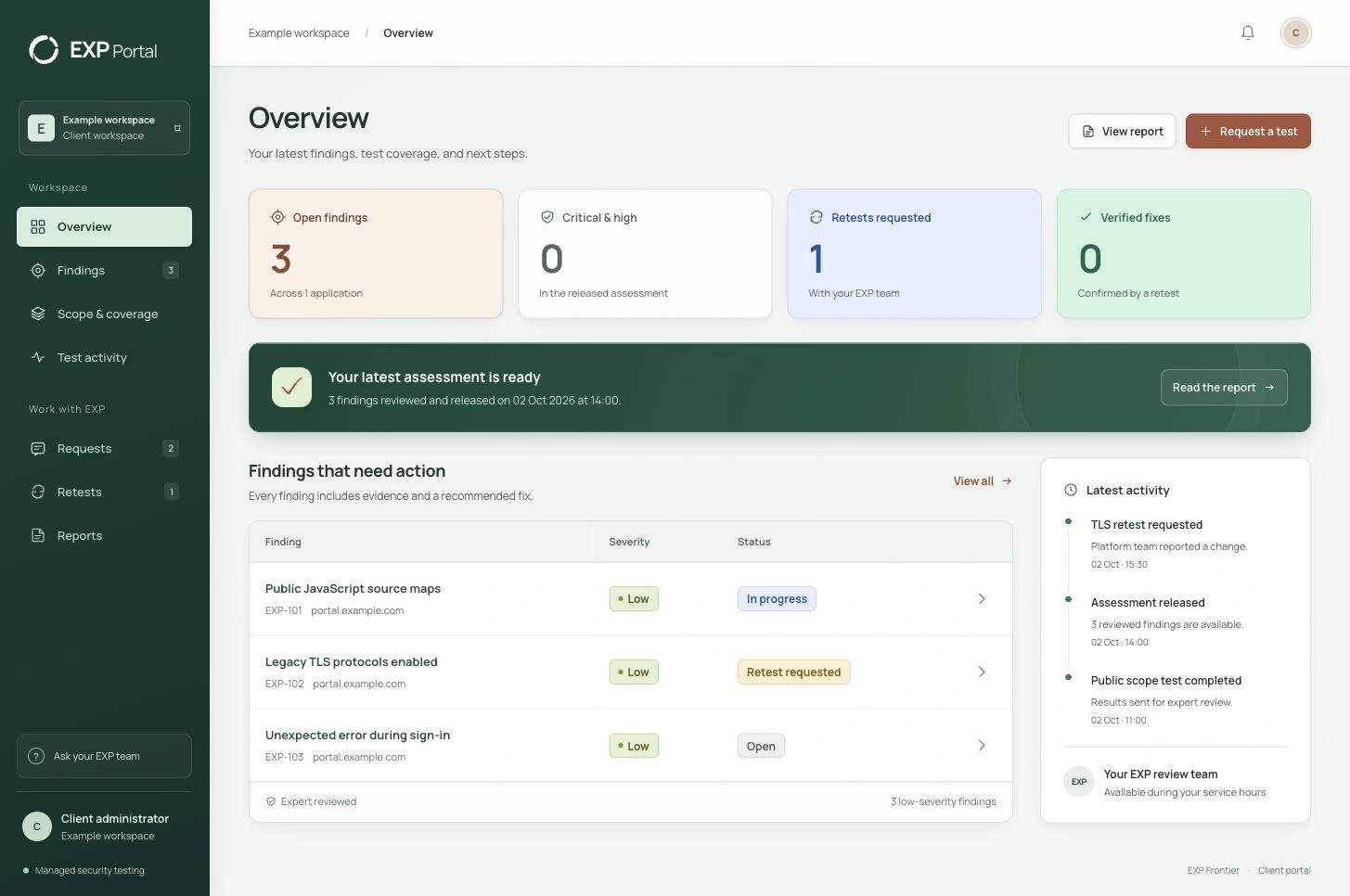
How it works
- 01
Agree the scope.
Choose the assets, access, and test schedule with your EXP Frontier sales manager.
- 02
Test and review.
We run the agreed tests and review the evidence before release.
- 03
Fix and verify.
Your team makes the change. EXP retests it and confirms the result.
Extra expertise.
Alongside your IT team.
Your EXP Frontier contact works with your IT team, developer, or existing provider to agree priorities and keep fixes moving.
| Your IT team | EXP Frontier | Value to your business |
|---|---|---|
| Identify key systems and approve test access. | Map your attack surface, assess existing security evidence, and focus testing on your most critical systems. | Work focused on what matters. |
| Keep building and running your systems. | Use AI-assisted testing within the agreed scope, review the evidence, and rank findings by exploitability and business impact. | Clear actions backed by expert review. |
| Approve and deploy fixes. | Coordinate next steps and explain the recommended changes. | Expert support through remediation. |
| Tell us when a change is ready to check. | Retest the fix and release a reviewed result. | Evidence that the tested issue is resolved. |
A package built
around your business.
Identify what you need to fix
Each finding provides context, evidence, and guidance on what to do next.
What we test for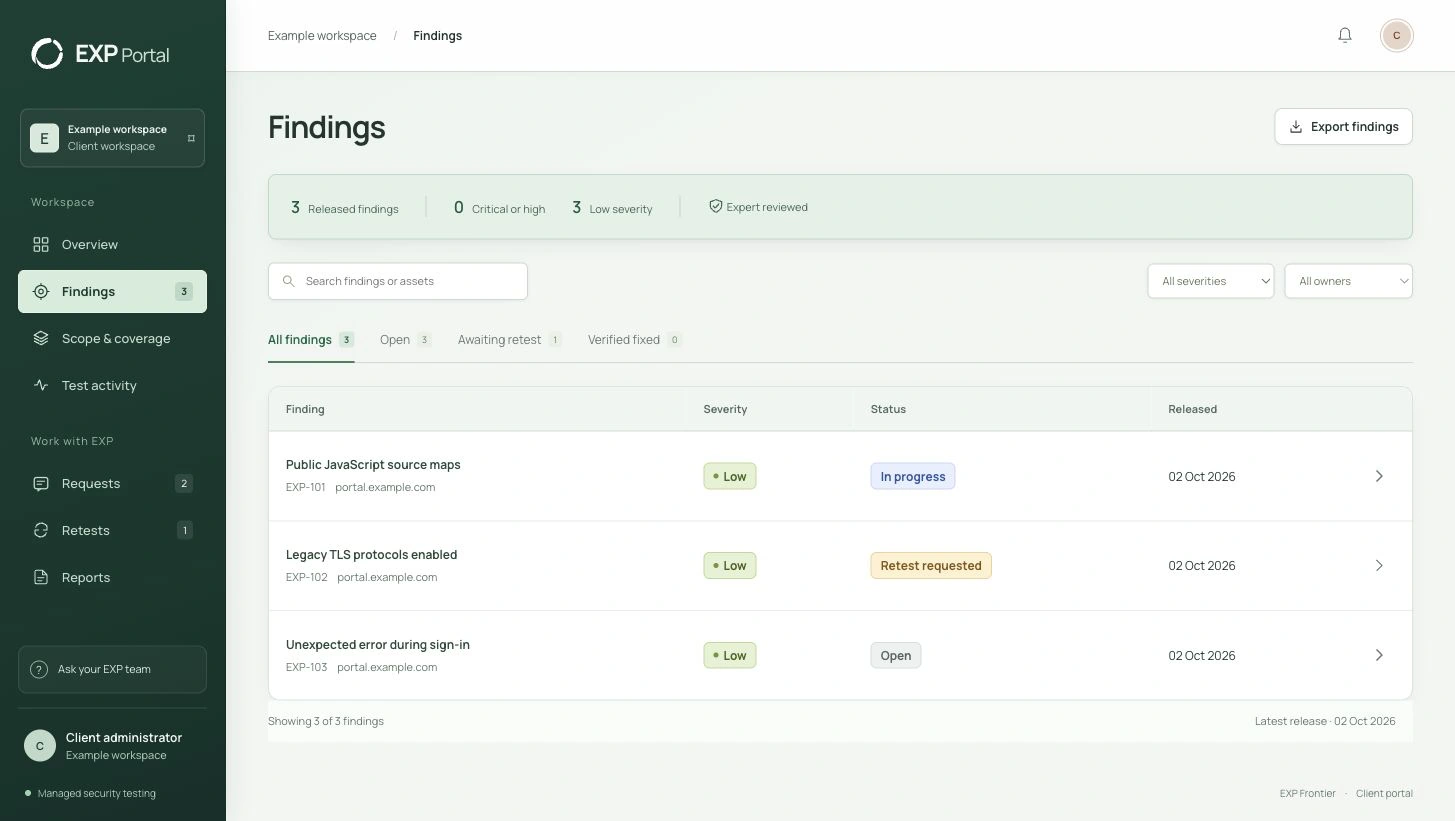
See what changes between assessments
Repeat testing can reveal new exposure after a release or configuration change. Your agreement sets the assets, access, cadence and retest allowance. Automated checks do not imply a continuously staffed response service.
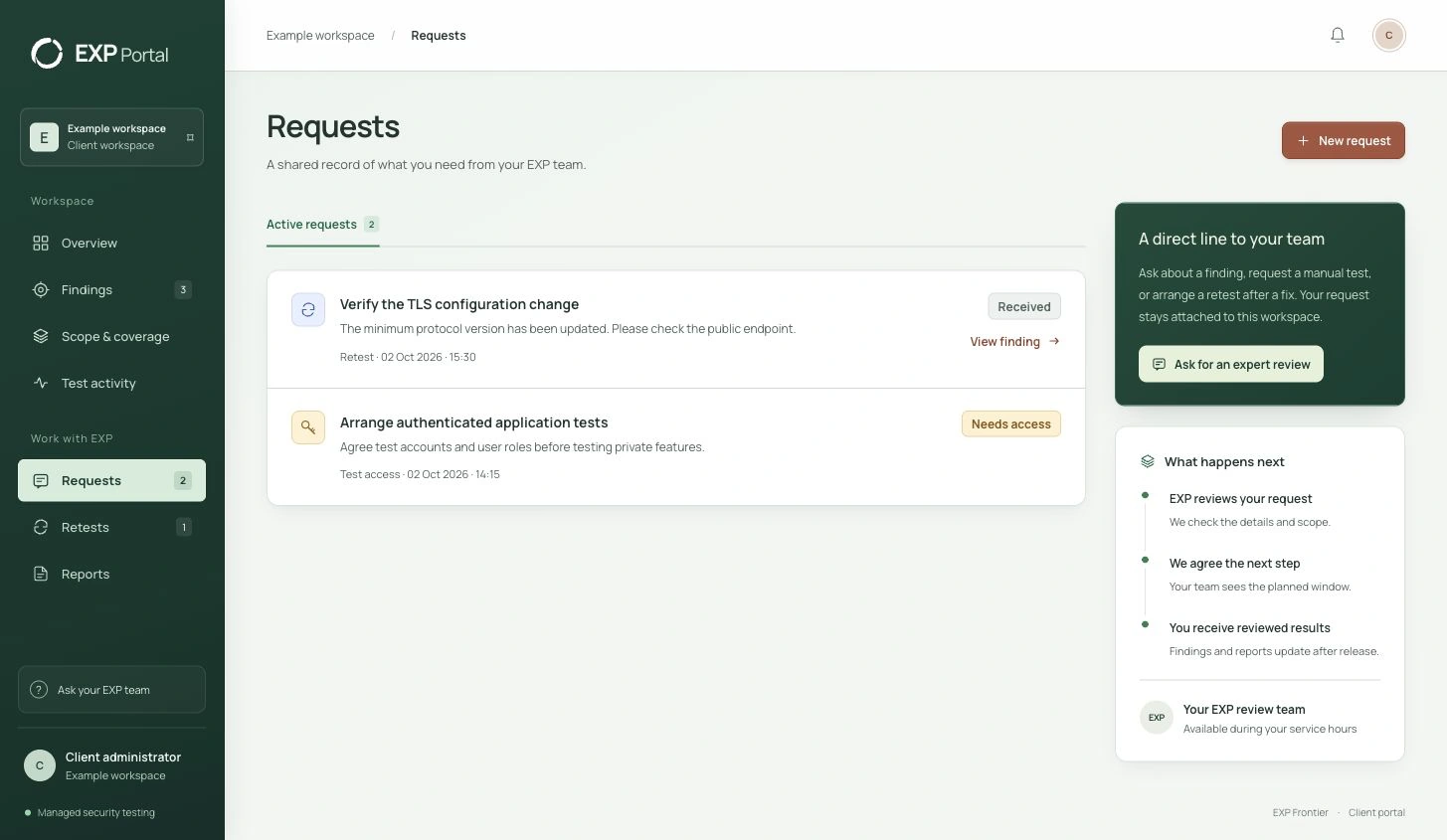
What we test forWe're here to support your team.
Ask about a finding. Request a manual test. Tell us when a fix is ready. Keep the work moving with your EXP team.
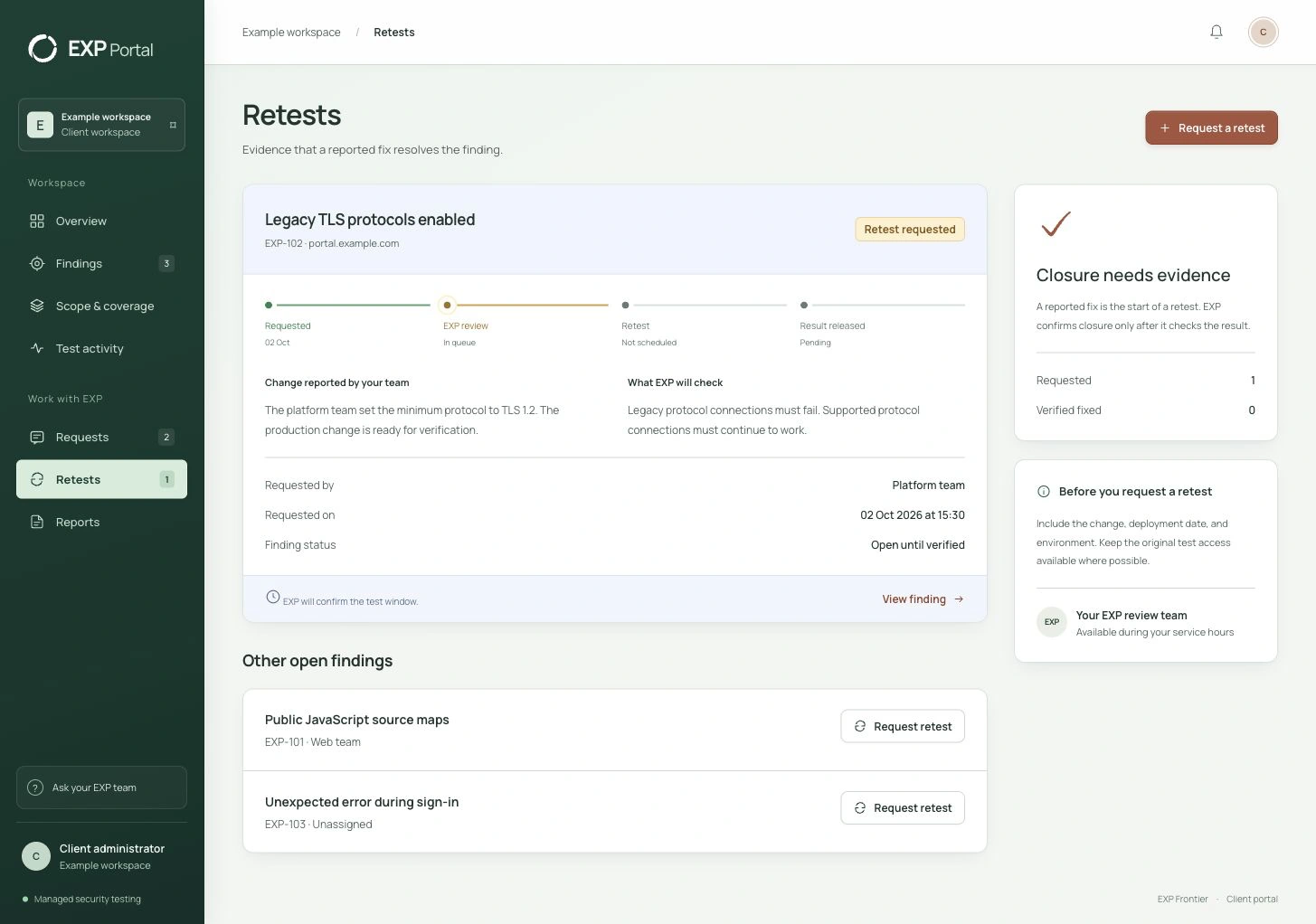
Ready for the people
who need answers.
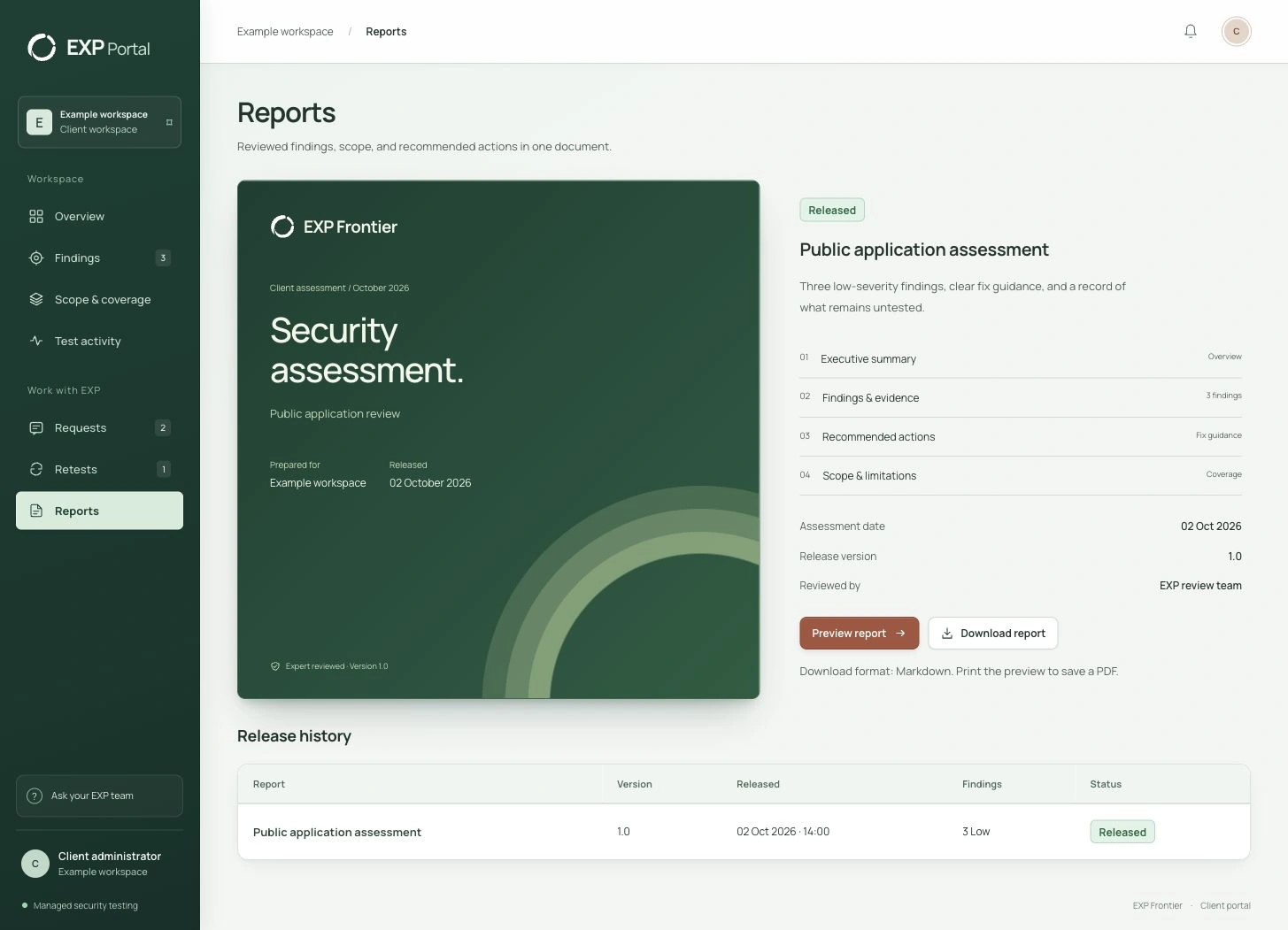
Download our findings, recommendations and future actions in one file that can be shared internally.
- Executive summary and reviewed findings
- Evidence and recommended changes
- Test scope, release date, and version history
A few useful details.
Who implements the fixes?
For a penetration testing engagement, your IT team or developer normally deploys the fixes, with EXP providing guidance and retesting. For supported WordPress websites, our separate done-for-you security service includes implementation by EXP within the agreed scope.
How often does EXP Frontier test?
Your quote sets out the test frequency and scope. Your portal records completed work and released results, so you can see what was tested and when.
Can we request a test of a new feature?
Yes. Send a manual test request with the feature, environment, and access details. Your EXP team confirms the scope, timing, and any change to your quote before work starts.
When is a finding marked as fixed?
After your team makes a change, you can request a retest. EXP checks the result and reviews the evidence before it confirms closure.
Move forward
with confidence.
Tell us about your systems and your team.
We’ll agree a scope and quote that fit your business.